
Membean Auto Answer: Every Answer Typed In For You
You shouldn't have to fill in a single response. MemGenie types the correct answer into each Membean question for you, key by key, at a human pace that doesn't get caught.
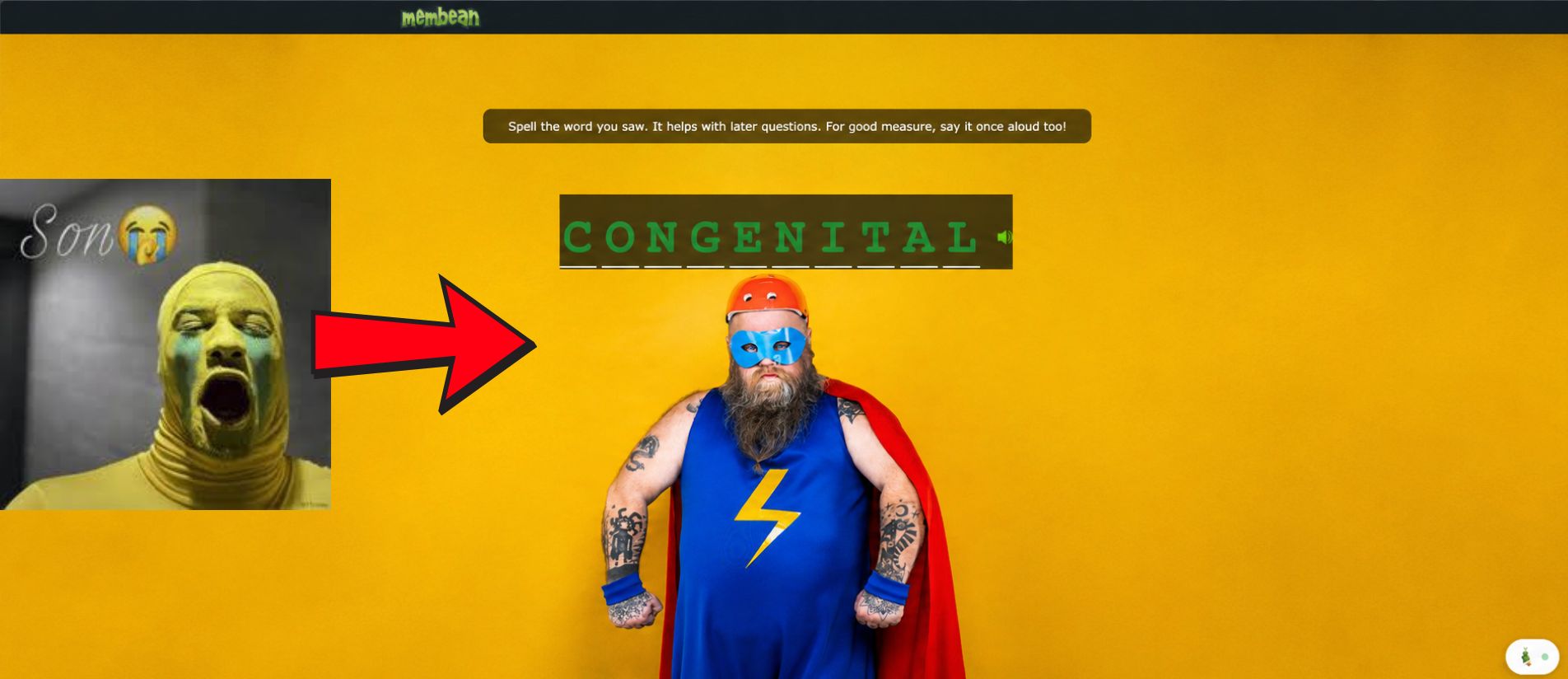

Enable Extension
Switch it on once and MemGenie is armed on every Membean page you open.
Turn On Automation
This is the auto answer itself — flip it and each answer gets typed in for you.
Auto-Solve Quizzes
Auto answer covers quiz questions too, not only the nightly training.
Accuracy
Decide how many it answers right so the auto answer never scores a suspicious 100%.
Timing
Set the gap before each answer lands so nothing types faster than reading speed.
Live Dashboard
See the running total of answers it has filled in for you.
- 1
Enable Extension
Switch it on once and MemGenie is armed on every Membean page you open.
- 2
Turn On Automation
This is the auto answer itself, flip it and each answer gets typed in for you.
- 3
Auto-Solve Quizzes
Auto answer covers quiz questions too, not only the nightly training.
- 4
Accuracy
Decide how many it answers right so the auto answer never scores a suspicious 100%.
- 5
Timing
Set the gap before each answer lands so nothing types faster than reading speed.
- 6
Live Dashboard
See the running total of answers it has filled in for you.
Membean auto answer with MemGenie means a Chrome extension that automatically types the correct answer into every Membean question for you. It types key by key with real pauses instead of pasting instantly, so the answers land like you did them yourself.
- Installs in about 30 seconds on Chrome, Edge, or Brave.
What Membean Auto Answer Actually Means
Most people picture an auto answer as a button that dumps the right response into the box. With Membean auto answer that half works, but Membean isn't only checking whether you got the word right. It's watching how the answer got there. MemGenie handles both sides: it finds the correct answer for the question in front of you, and then it fills that answer in the way a real student would, one keystroke at a time.
So "auto answer" here isn't a static answer key. It's the extension reading each question live, deciding what to enter, and typing it into the field for you while the session runs. You don't touch the keyboard, and you don't look up anything on the side.
Auto-Answer vs Manual Highlight Mode
MemGenie gives you two ways to get through a session, and it helps to know the difference before you turn either one on.
- Auto-answer mode: the answer is filled in for you. MemGenie types the response into each question and moves on, so you can leave the tab alone until it's done.
- Manual highlight mode: MemGenie marks the correct choice but waits for you to enter it yourself. Good if you'd rather stay hands-on and just skip the guessing.
- You can switch anytime: flip automation on for a hands-off run, or off when you want to read along and type your own answers.
Both pull from the same answer detection. The only thing that changes is whether the auto answer does the typing or you do.
How MemGenie Types Each Answer
This is the part that makes the auto answer safe to use. Instead of dropping the whole word in at once, MemGenie sends the answer character by character. It adds small gaps between keystrokes, varies the rhythm a little, and pauses before it commits, so the input event stream looks like fingers on a keyboard rather than a script pasting text.
Membean can see the difference. A field that goes from empty to a full seven-letter word in a single frame is a dead giveaway. A field that fills in over a second or two, with the pacing you set, reads as ordinary typing. That's why MemGenie types the answer instead of pasting it, and why the timing control matters as much as the accuracy control.
Turn On Auto Answer in Three Steps
Getting the auto answer running takes about a minute. Here's the whole flow.
Install the MemGenie extension
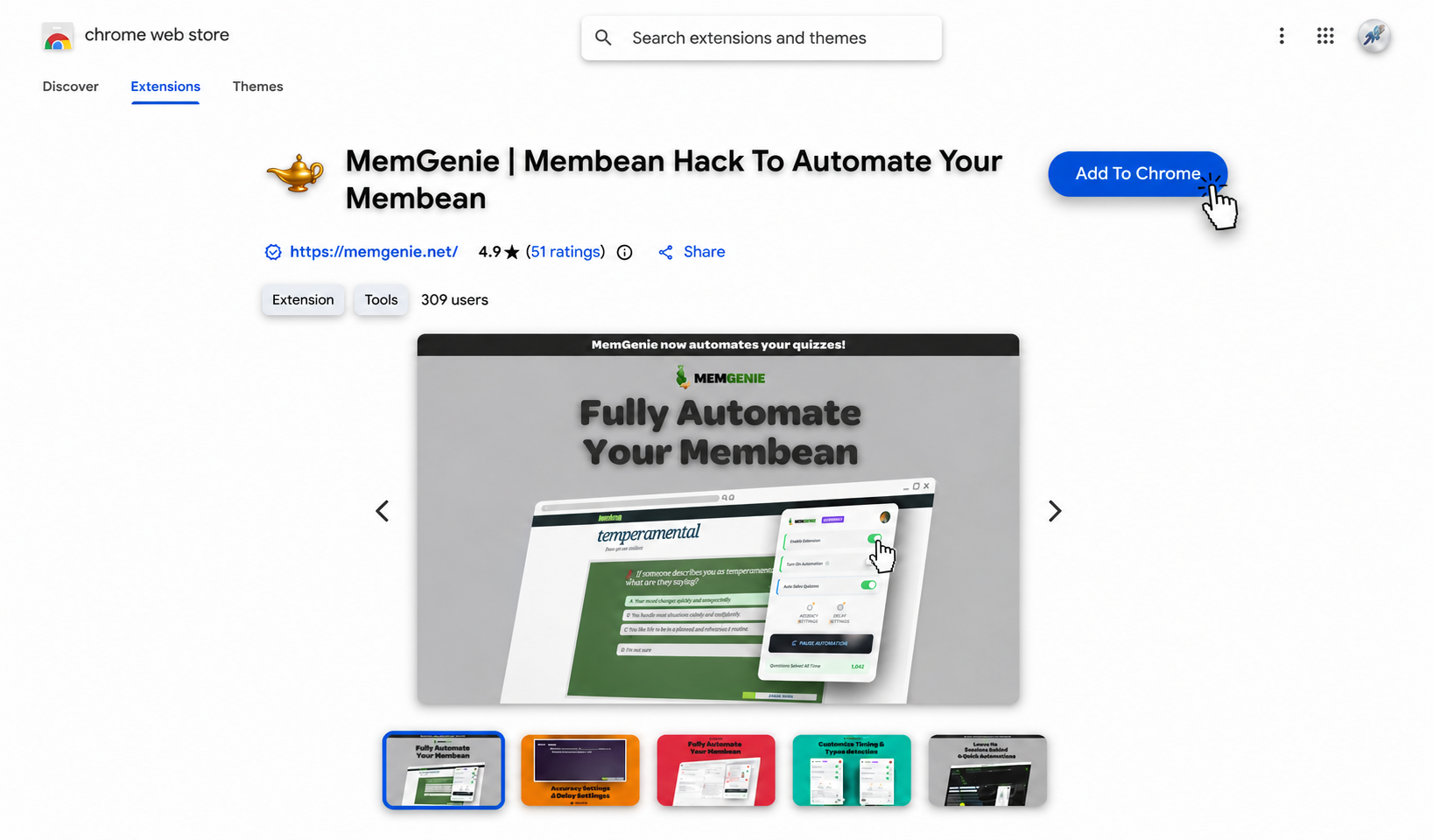
Add MemGenie from the Chrome Web Store. It installs in under 30 seconds and works on Chrome, Edge, and Brave.
Start your Membean session
Open a training session or quiz the way you always do. MemGenie notices you're on a Membean page and stands by, ready to auto answer the first question as soon as it appears.
Set your accuracy and timing
Pick how often the auto answer gets it right and how long it waits before typing each response. Those two dials are what keep the session looking human. Drag the sliders below — these are the real MemGenie controls:
Accuracy Settings
Timing Settings
MemGenie will answer about 60% correct and wait around 10s per question — natural enough that Membean reads it as real work.
The Controls Behind Every Auto Answer
Key-by-Key Typing
Each answer is typed one character at a time with real gaps, not pasted in a single blink.
Custom Accuracy
Set how many it gets right so the auto answer skips the perfect score that draws attention.
Answer Delays
Choose the pause before each answer lands so the pace matches a person reading the prompt.
Quiz Coverage
The auto answer fills in quiz questions too, so quiz nights get handled the same way.
Highlight Fallback
Prefer to type your own? Switch to highlight mode and MemGenie just points out the answer.
Chrome Extension
Install once and the auto answer is there in your browser whenever a session starts.
Why Auto-Typing Beats an Instant Paste
The fastest way to fill in an answer is to paste it, and it's also the fastest way to get flagged. Membean logs how each field changes. A value that appears all at once, on every question, at the same instant, is the exact fingerprint of a bot. The free scripts do this, which is why they get patched first.
MemGenie's auto answer avoids that pattern on purpose. It types the response out, spaces the questions apart with the delay you chose, and misses a few on purpose based on your accuracy setting. Nothing about the input stream screams automation, so the session blends in with the ones you actually did by hand.
Why Students Pick MemGenie for Auto Answer
- Truly hands-off: the answer is typed in for you, so you can start a session and walk away.
- Types, never pastes: each answer goes in key by key with the timing you pick.
- Two modes: full auto answer when you want it done, highlight mode when you'd rather type.
- Covers quizzes: the auto answer handles quiz questions, not just the training drills.
- Kept current: we update it when Membean changes, so the auto answer keeps working.
What Students Say About Auto Answer
"I turn on automation, switch tabs, and by the time I'm back the whole session is answered. It types everything itself — I never touch a key."
— Chloe V., 9th Grade"What sold me was watching it type instead of paste. The answers fill in slow enough that it looks like me, and I've never had a flag."
— Andre W., SeniorMembean Auto Answer FAQ
What does the Membean auto answer actually do? It reads each question, works out the correct answer, and types that answer into the field for you. You don't enter anything yourself once automation is on.
Does the auto answer type or paste? It types, key by key, with real pauses. That's the whole point — an instant paste is the pattern Membean flags, so MemGenie enters the answer the way a person would.
What's the difference between auto-answer and highlight mode? Auto-answer fills the response in for you. Highlight mode marks the right choice and lets you type it yourself. You can switch between them anytime.
Can I control the accuracy and timing? Yes. You set how often it answers correctly and how long it waits before each answer, so the session looks like your own work. See pricing for plans.
Does the auto answer work on quizzes? Yes. With quiz mode on it fills in quiz questions too, so you can also get Membean quiz answers the same hands-off way.
Turn On Auto Answer Today
MemGenie fills in every Membean answer for you and types each one like you were sitting there doing it. Add the extension, flip automation on, and let the auto answer take the session off your plate.