Membean Quiz Answers: How to Auto-Fill Every Graded Quiz
The Membean quizzes are the part that hits your grade. MemGenie reads each quiz question as you hover and fills in the answer, keeping your score believable.
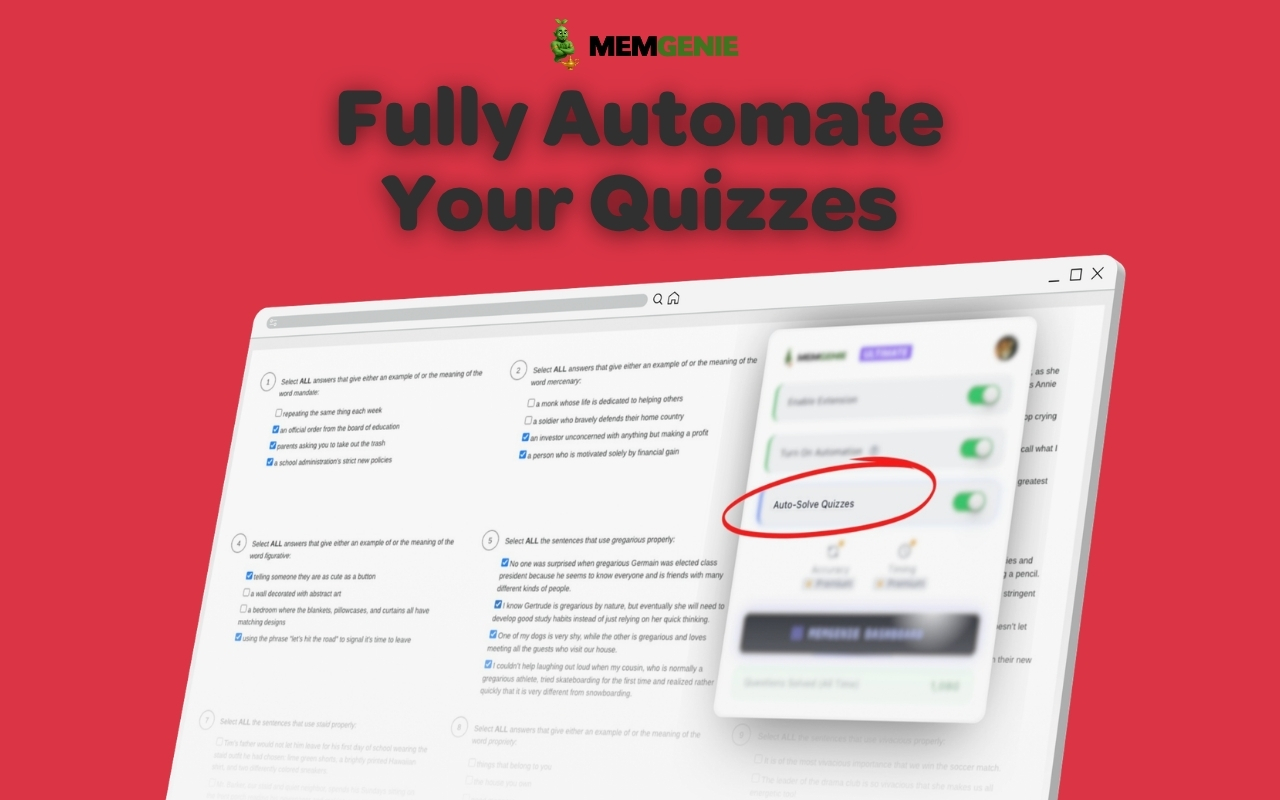

Auto-Solve Quizzes
This is the one that matters here — it fills in the graded quiz, not just training.
- ✓
Auto-Solve Quizzes
This is the one that matters here — it fills in the graded quiz, not just training.
To get Membean quiz answers, turn on quiz mode in the MemGenie Chrome extension and hover over each graded quiz question so it fills in the answer. You set the accuracy and timing yourself, so your quiz score looks like real work instead of a bot.
- Works on every Membean quiz — vocab checks, multiple choice, and typed answers.
- Installs in about 30 seconds on Chrome, Edge, or Brave.
What Membean Quizzes Actually Are
Membean splits into two parts: the nightly training sessions where you drill new words, and the quizzes that check whether those words stuck. The quiz is the graded part. It's the one your teacher sees in the gradebook, and it's usually scheduled after you hit a certain number of words or training days. Miss it, or bomb it, and the score follows you — the training minutes barely move your grade by comparison.
Why Quiz Answers Matter More Than Training Minutes
Plenty of students grind out the training and then lose points on the quiz they crammed for at midnight. That's backwards. Training is participation; the quiz is the grade. Here's why the graded quiz is the piece worth getting right:
- Quiz scores post straight to your grade, training minutes mostly don't
- Quizzes drop on a schedule you don't pick, often on your busiest night
- One shaky quiz can pull down weeks of steady training
- Teachers look at the quiz result, not how long you spent hovering over flashcards
How to Get Membean Quiz Answers with MemGenie
MemGenie runs inside your Membean quiz and fills in answers as you hover, with the accuracy and timing you choose. Two steps:
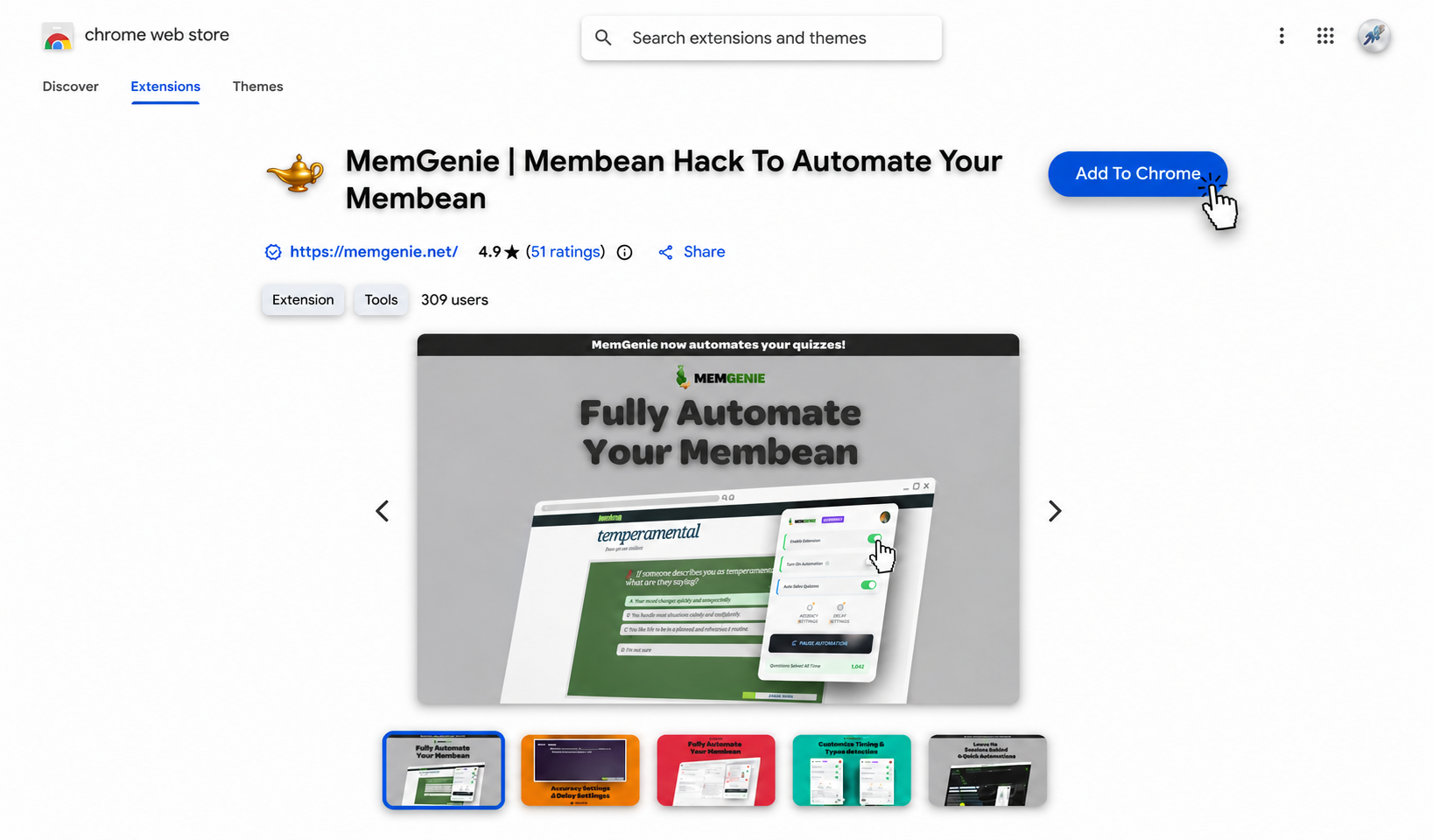
Install the MemGenie extension
Add MemGenie from the Chrome Web Store. It installs in under 30 seconds and works on Chrome, Edge, and Brave.
Turn on quiz mode and open your quiz
Flip on Auto-Solve Quizzes, then start your graded Membean quiz. As you rest your cursor on a question, MemGenie reads it and fills in the answer for you.
What Quiz Mode Handles
Every Question Type
Vocab checks, multiple choice, and typed answers — quiz mode reads them all as you hover.
Hover-to-Solve
Rest your cursor on a question and the answer fills in. No pasting, no separate tab.
Custom Accuracy
Decide how many you get right so a graded quiz never comes back a flawless 100%.
Natural Timing
A short delay per answer keeps the quiz paced like a student actually taking it.
Only When You Want It
Quiz mode is its own switch, so it stays off until you flip it on for a graded quiz.
Chrome Extension
Install once and it's in your browser, ready the next time a quiz drops.
Keeping Your Quiz Score Believable
A perfect quiz is the fastest way to draw attention, especially if your training was uneven or you never scored that high before. Membean notices when a graded result doesn't match the rest of your activity — answers that land instantly, a jump from average to flawless, the same rhythm on every question. That's why quiz mode lets you dial accuracy back below 100 and add a real pause per answer. Aim for a score that fits what you've been doing: strong, not spotless. A believable 85 beats a suspicious 100 every time.
Why MemGenie for Membean Quiz Answers
- Built for the graded part: quiz mode fills in the answers that actually affect your grade, not just training.
- You set the score: custom accuracy means your quiz reads believable instead of a giveaway 100%.
- Handles any quiz: vocab checks, multiple choice, and typed answers all fill in on hover.
- Paces like a person: a natural delay per answer keeps the graded quiz from finishing too fast.
- Cheap: unlimited quizzes for less than a single hour of tutoring.
What Students Say About Quiz Mode
"Training I could deal with, it was the quizzes that killed my grade. Now I hover through them and keep the accuracy around 85 so it never looks off."
— Emma S., 10th Grade"I turn quiz mode on right before a graded quiz and off after. My scores went from all over the place to steady, and nobody's questioned it."
— Kai R., JuniorMembean Quiz Answers FAQ
How do I get Membean quiz answers? Turn on quiz mode in the MemGenie extension, then hover your cursor over each question for about 3 to 7 seconds. MemGenie reads the question and fills in the answer for you.
Does it work on every Membean quiz? Yes. Quiz mode handles vocab checks, multiple choice, and typed questions. Hover over each one and the answer fills in, whatever the quiz format.
Will a perfect quiz get me flagged? It can. That's why you set custom accuracy — dial it below 100 and add a delay per answer so the graded quiz matches the rest of your activity instead of standing out.
Is quiz mode different from training automation? Yes. Auto-Solve Quizzes is its own switch, aimed at the graded quiz specifically. You flip it on for the quiz and off the rest of the time.
Which plan includes quiz answers? Full quiz answering is part of the Ultimate plan. The free version highlights the correct answer, while Ultimate fills it in as you hover — see pricing for current plans, and read the wider Membean hack guide for the full toolkit.
Get Your Membean Quiz Answers
MemGenie takes care of the part that actually counts — the graded Membean quiz — and keeps your score believable while it does. Turn on quiz mode, hover through the questions, and stop stressing about the one thing in Membean that hits your grade.